About ChaosRoots
Simple shared calendars for groups that need everyone on the same schedule.
From scattered messages to one reliable schedule
Group schedules often start in texts, emails, PDFs, and screenshots. That works for a while, but dates get buried, updates are easy to miss, and people end up asking the same questions again.
ChaosRoots gives small teams, churches, clubs, classes, and meetup groups one place to create a schedule and one link to share it.
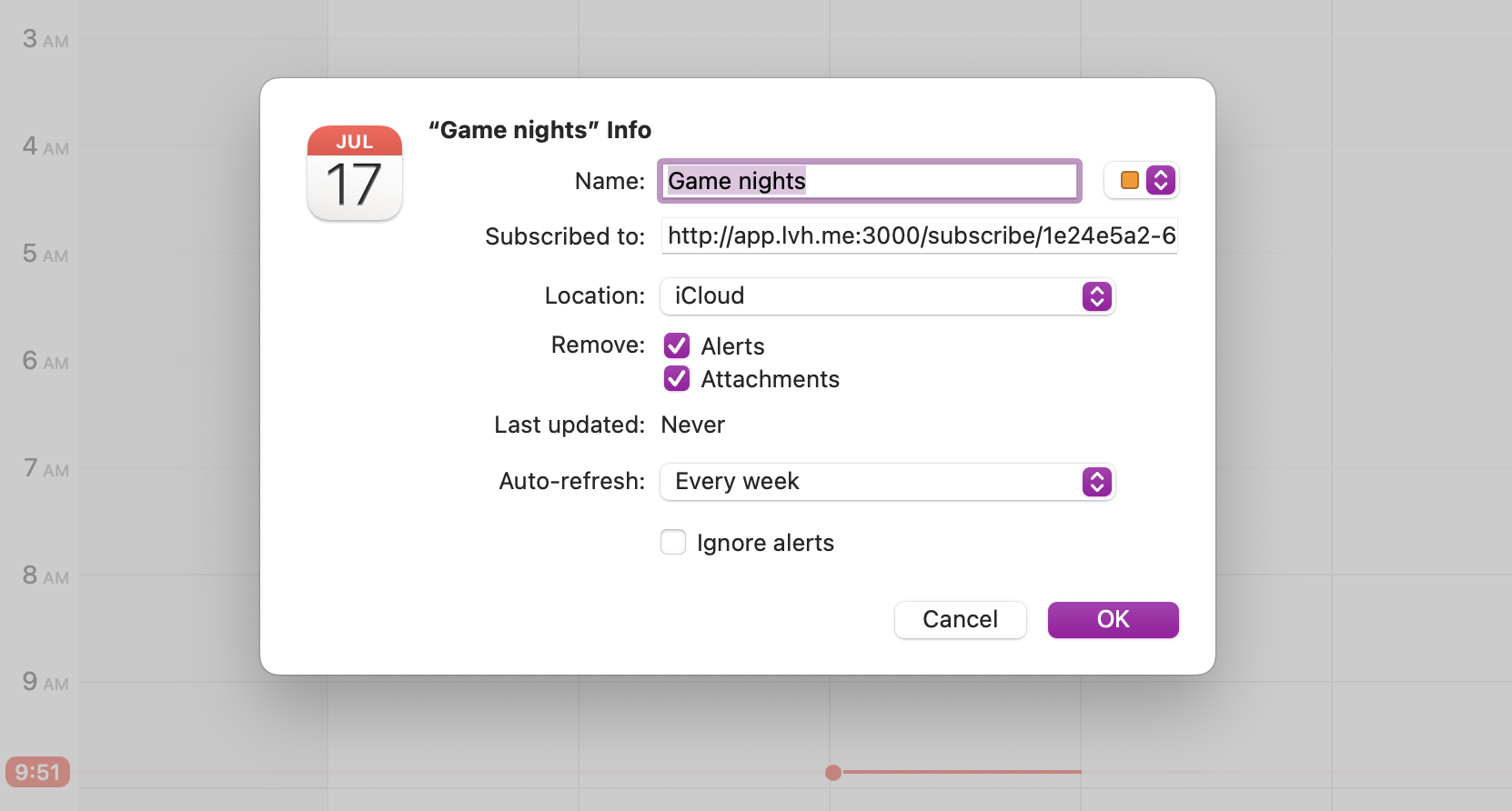
People can subscribe with the calendar app they already use, so future events and changes are easier to keep up with. For one-off plans, they can add a single event instead.
No more scattered plans. Just clear, organized scheduling—made simple for everyone.
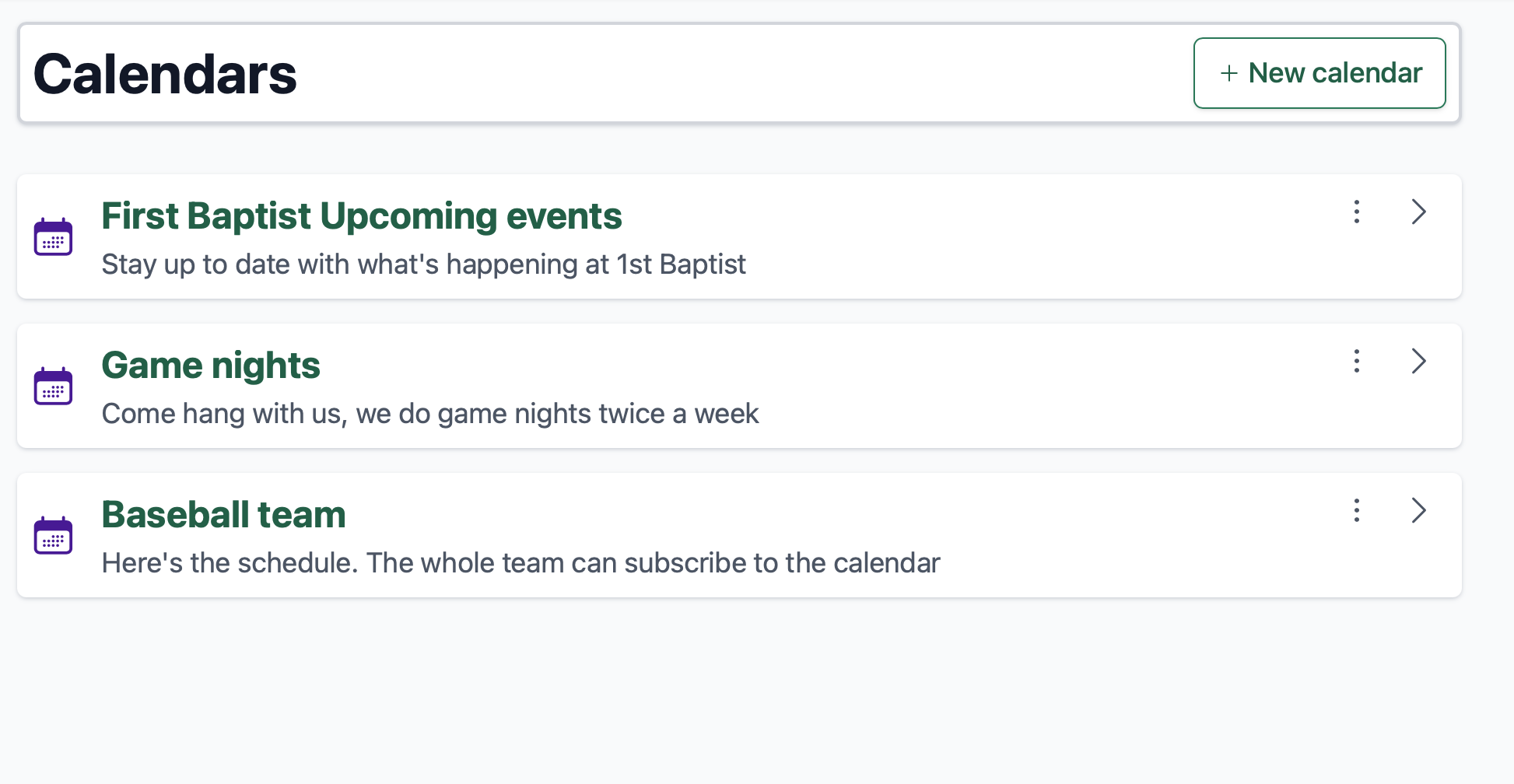
1. Create calendars for schedules you want to share
Give your calendar a name and description your audience will see when you share it with them.
2. Add the events your group needs
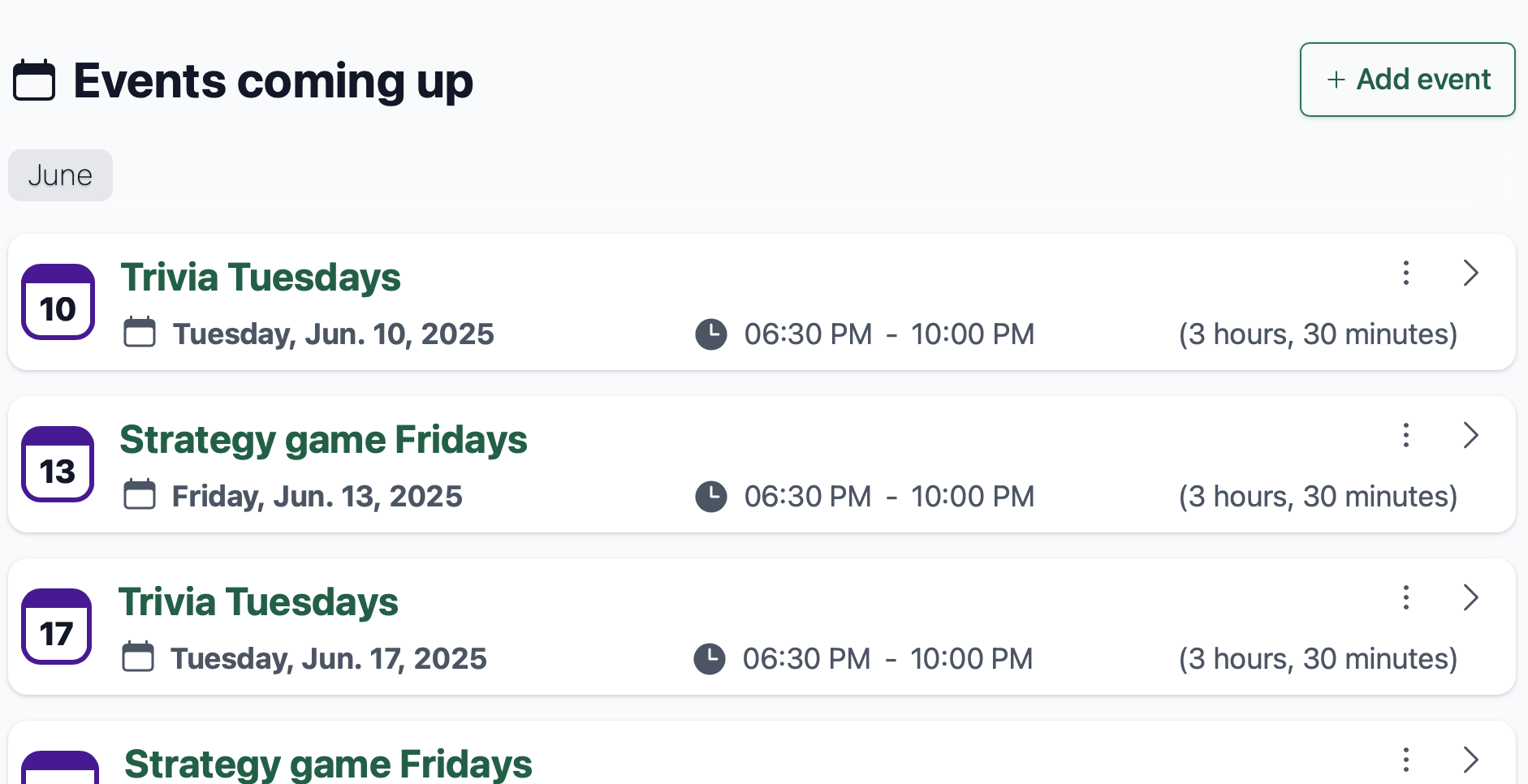
Add events with dates, start times, end times, and details. Times use your preferred timezone.
3. Share one calendar page
Every calendar gets a public page that you can send to your team, church, club, class, or meetup group.
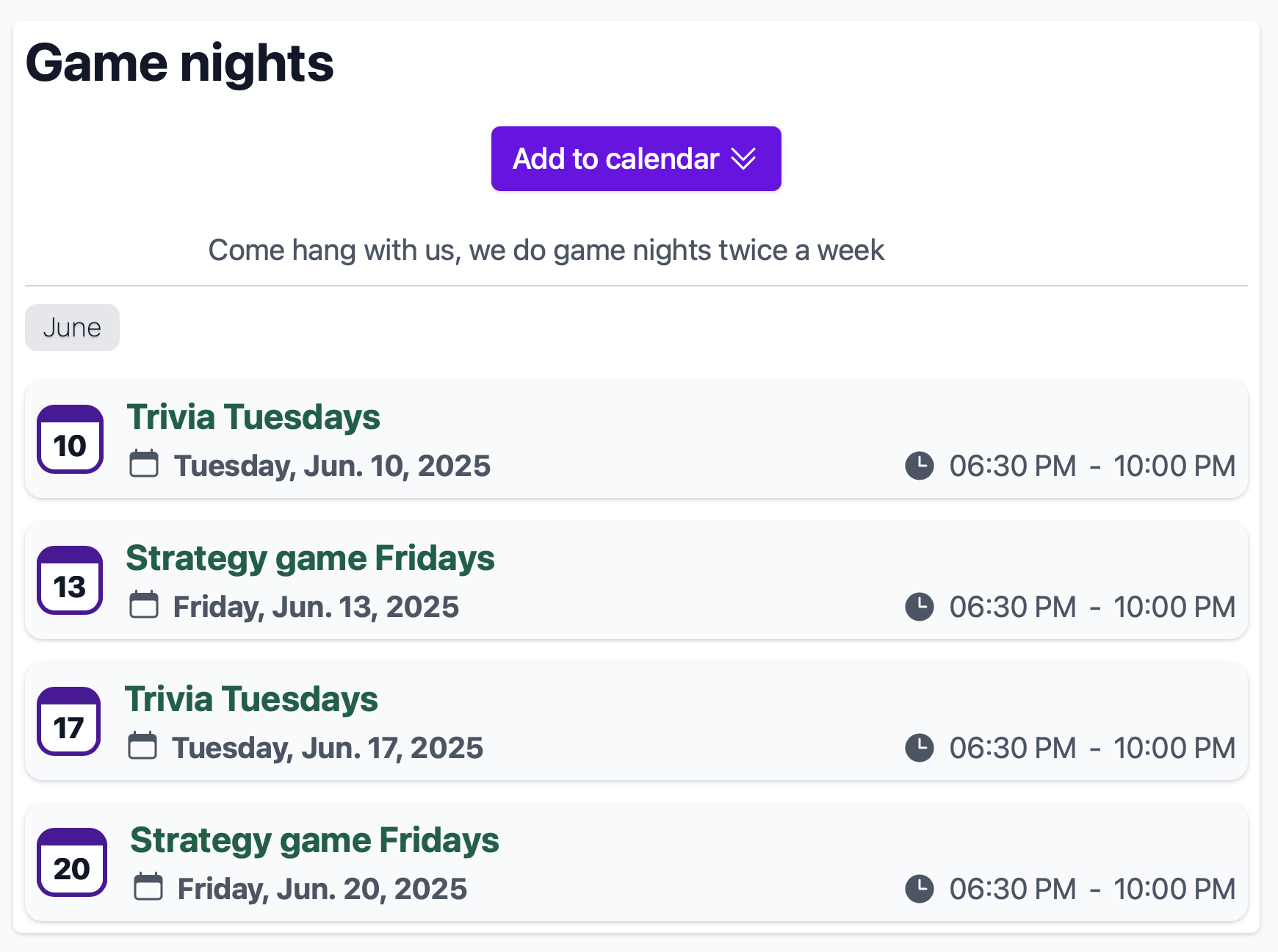
4. Let people subscribe or add individual events
The Add to Calendar button opens the calendar app for your users. They can add one event or subscribe to the full calendar. Calendar subscriptions are automatically kept up-to-date by most modern calendar apps.