ChaosRoots
Create once.Share one link.Keep everyone updated.
Turn scattered group plans into one calendar your group can actually use. Create events, share a link, and let your group subscribe in Apple Calendar, Google Calendar, Outlook, and other calendar apps.
How it works
A simple path from scattered dates to a schedule everyone can follow.
Create a calendar
Give your schedule a name and description so people know what they are subscribing to.
Add your events
Add dates, times, locations, and details once instead of repeating them in every group chat.
Share one link
Send your calendar page to your team, church, club, class, or meetup group.
Everyone stays updated
Subscribers receive new events and updates through the calendar app they already use.
Share one event or an entire schedule
One-off events
Send an Add to Calendar link when people only need a single event on their calendar.
Ongoing schedules
Send a calendar subscription link when your group needs future updates automatically.
Works with the calendars people already use
ChaosRoots publishes standard calendar feeds and add-to-calendar links for common calendar apps.
What problem does this solve?
Group plans often live in chats, screenshots, PDFs, and emails. ChaosRoots gives everyone one calendar link instead.
Planning can be chaos.
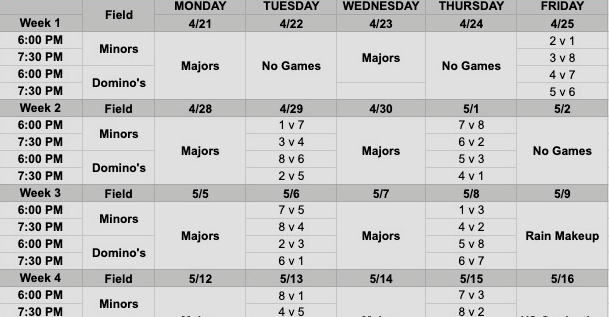
Are you scrolling through group chats to find dates for events? Tired of PDFs, screenshots, and team schedules that look like this?
Give your group one calendar link.
Create calendars people can actually use.
Use ChaosRoots to manage your schedule and share it with the people who need it.
- Add a calendar with a name and description
- Add events with start times, end times, and details
- Share the calendar so others can subscribe
- 🗓️ Now everyone stays in sync 🗓️
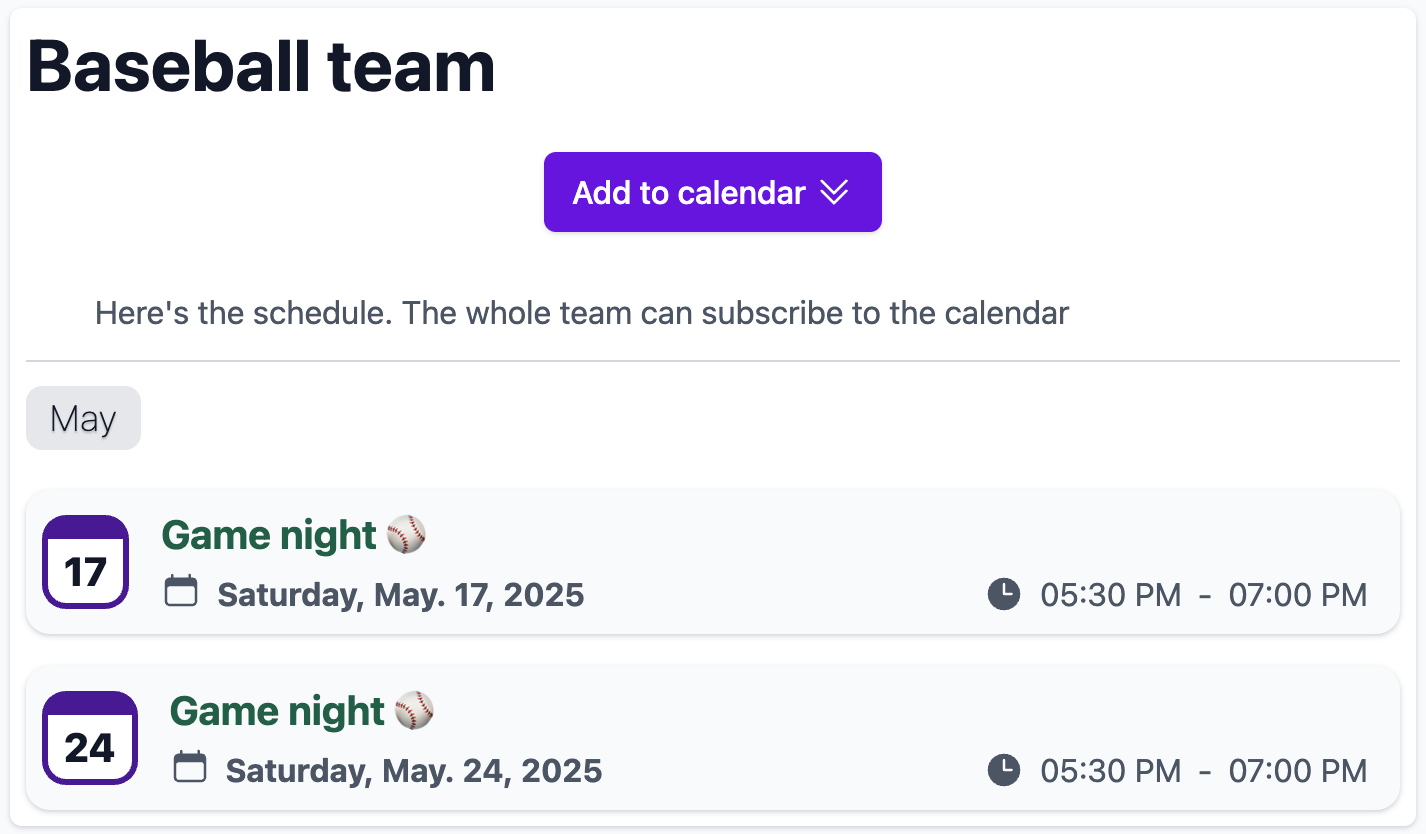
Recurring game night?
Set up a calendar and send your group the Add to Calendar link. Once they subscribe, updates and new events can appear automatically on their device.
Send new members the same link any time they need the schedule.
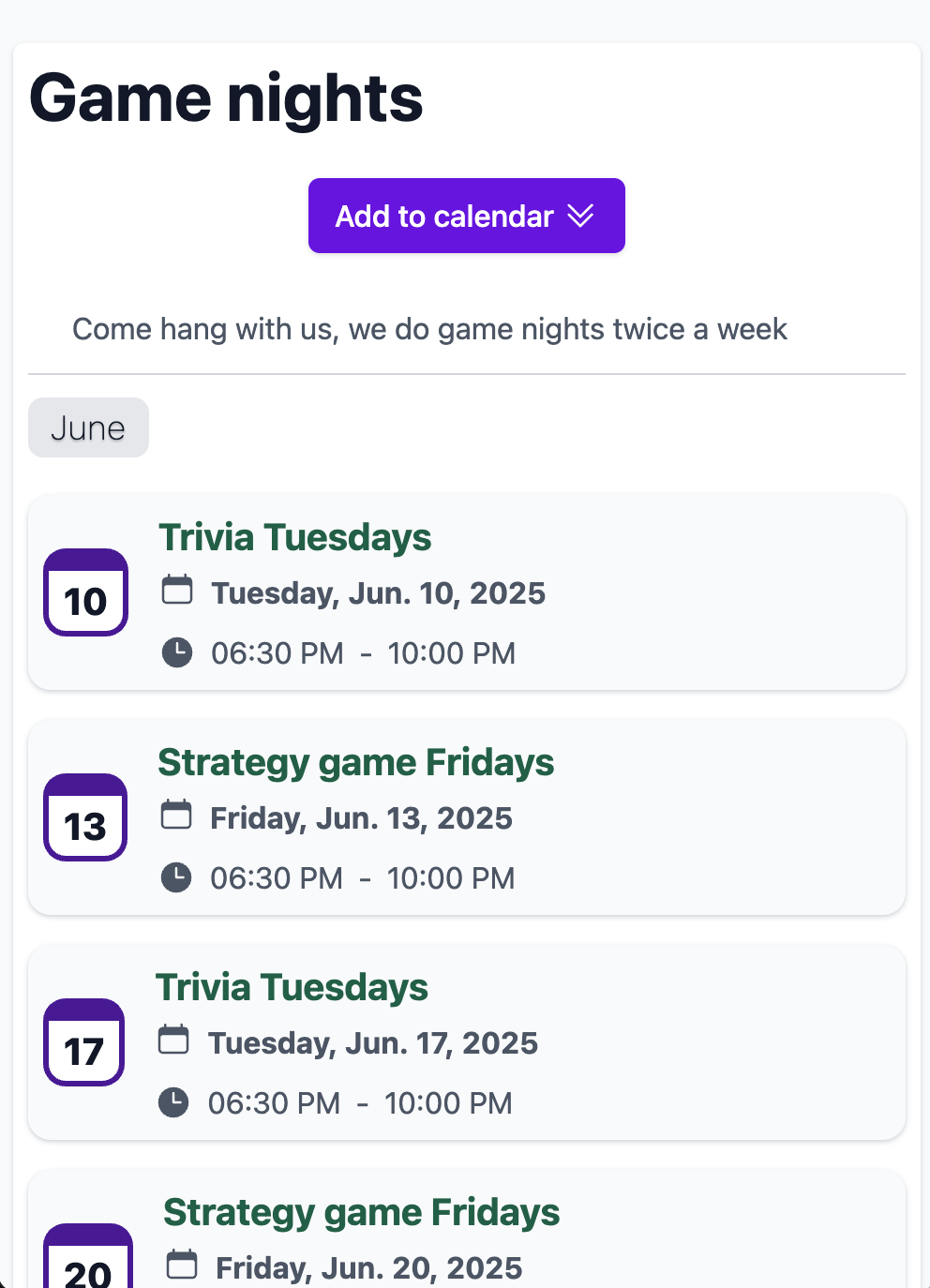
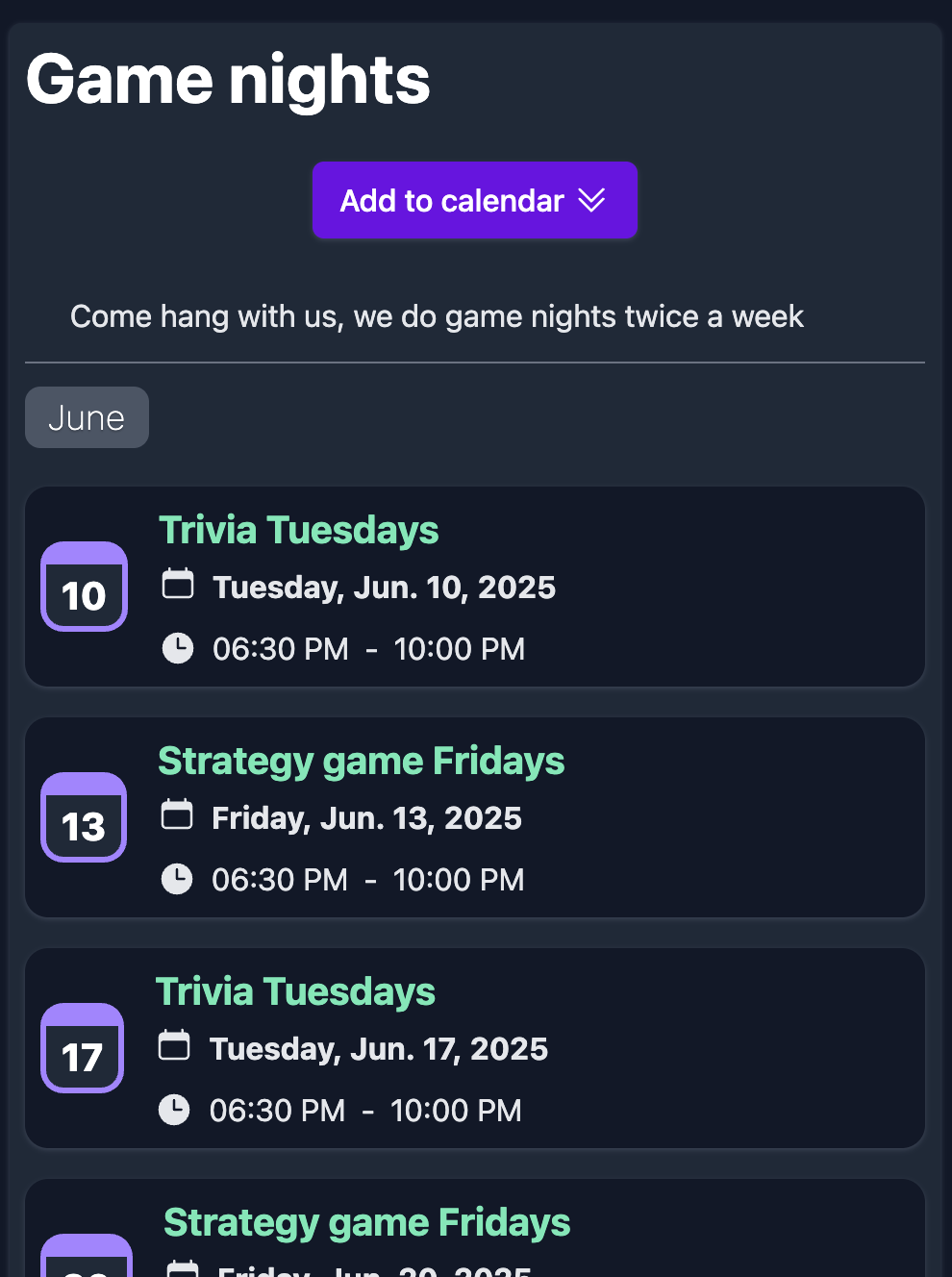
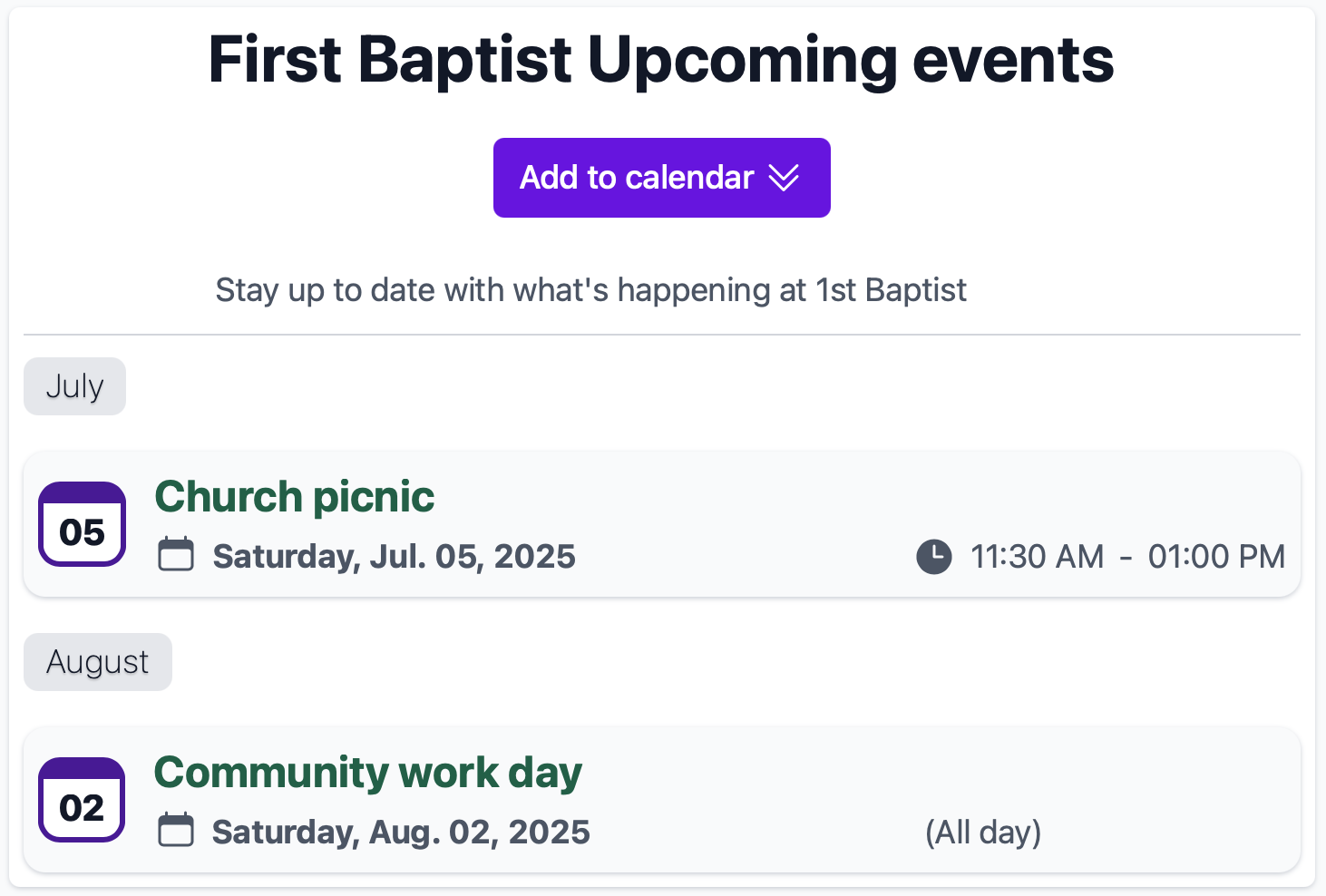
Church calendar?
Give your members a professional digital calendar experience. Let them subscribe to upcoming events so they do not miss a date, or let them add individual events that interest them.
Free to use
ChaosRoots is available for free with reasonable limits. If you need more than our free account offers, a paid plan is available and is priced with individual users in mind. We have features on our roadmap to accommodate larger groups and organizations.
Privacy first
ChaosRoots collects information needed to operate and secure accounts and calendar features. We do not sell your personal information. Trusted service providers help us host the service, store files, send essential account, security, invitation, and service emails, process billing, and provide Google Maps location features. Read our Privacy Policy or contact hello@chaosroots.com to request access, correction, or deletion.
Frequently asked questions
Do subscribers need a ChaosRoots account?
No. People can add an event or subscribe to a shared calendar without creating an account.
Can I update events after sharing the calendar?
Yes. Update the events in ChaosRoots and subscribers can receive those changes through their calendar app.
Which calendar apps does ChaosRoots support?
ChaosRoots uses standard calendar formats that work with Apple Calendar, Google Calendar, Outlook, and many other calendar apps.
Is ChaosRoots free?
Yes. You can start with a free Basic plan and upgrade only if you need more personal calendars.
Ready to make your group's schedule easier?
Create a free calendar, add your first events, and share one link with your group.
Create your free calendar